CyberArk Connection Parameters
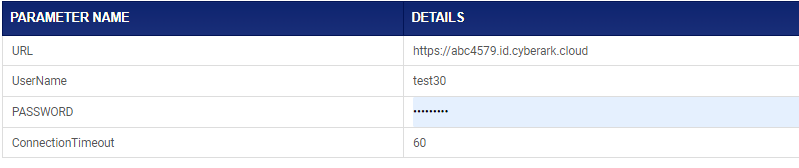
The following parameters need to be provided in application configuration for establishing a connection between Identity Bridge and CyberArk.
| Parameter Name | Description |
| URL | Host URL of CyberArk |
| UserName | CyberArk Admin ID having required access to perform CRUD over user objects |
| Password | Password for the CyberArk Admin ID |
| ConnectionTimeout | Connection timeout duration (integer) |
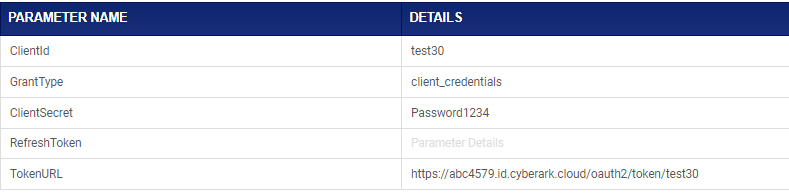
The following parameters need to be provided in application configuration for OAuth 2.0 authorization for connecting to CyberArk.
| Parameter Name | Description |
| ClientID | The ClientID value generated for Oauth authentication in CyberArk |
| GrantType | Set this parameter value as “password” |
| ClientSecret | The ClientSecret value generated for Oauth authentication in CyberArk |
| RefreshToken | URL for refersh token (if any) |
| TokenURL | URL for Oauth 2.0 token request |
Once the connection parameters and OAuth 2.0 parameters are entered correctly, click on the ‘Update’ button to save the changes in application configuration.